

What Is One UI 8.5, and Why Does It Matter?
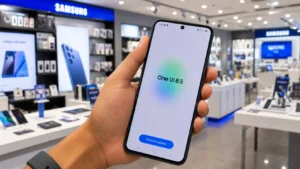
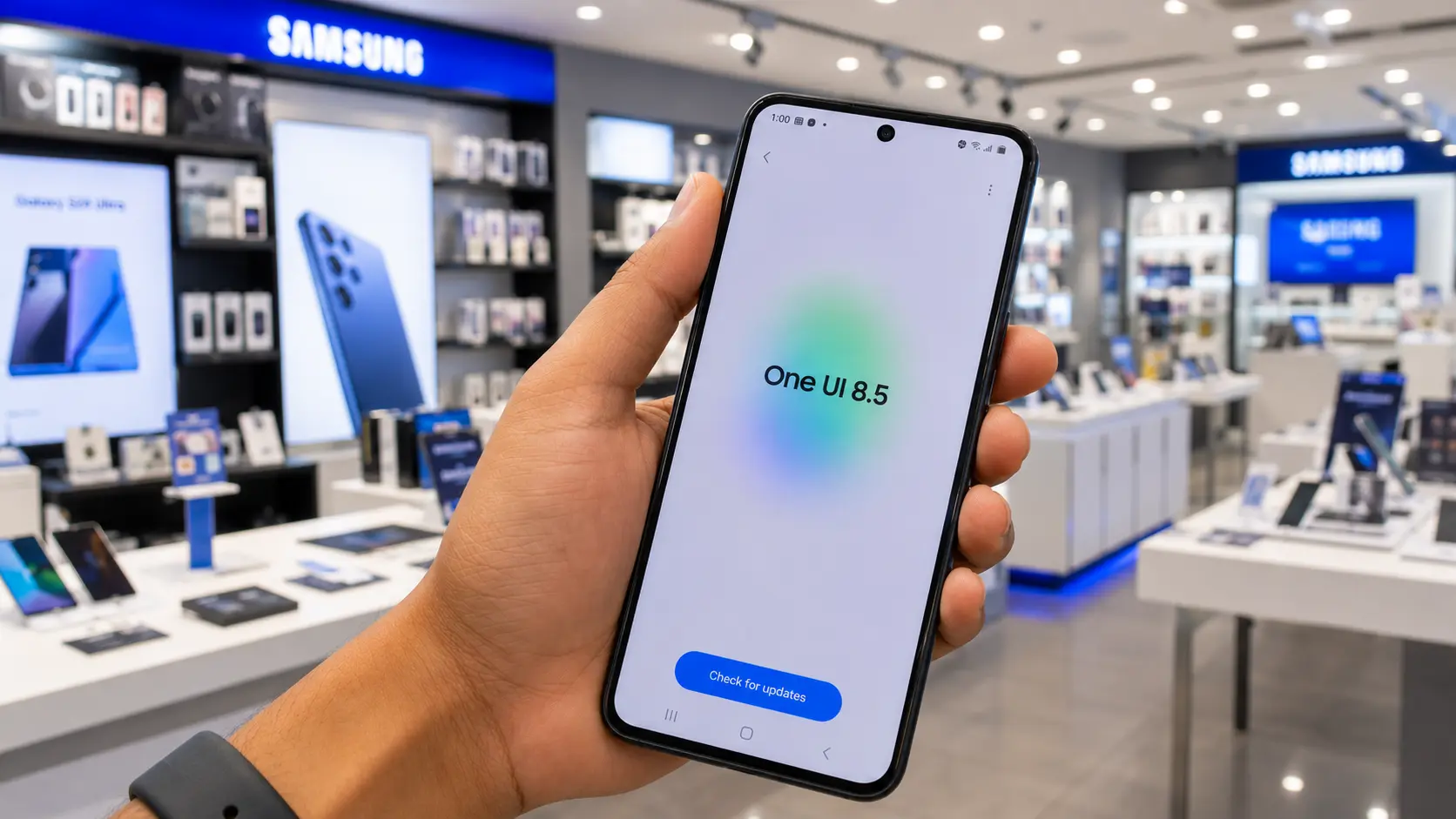
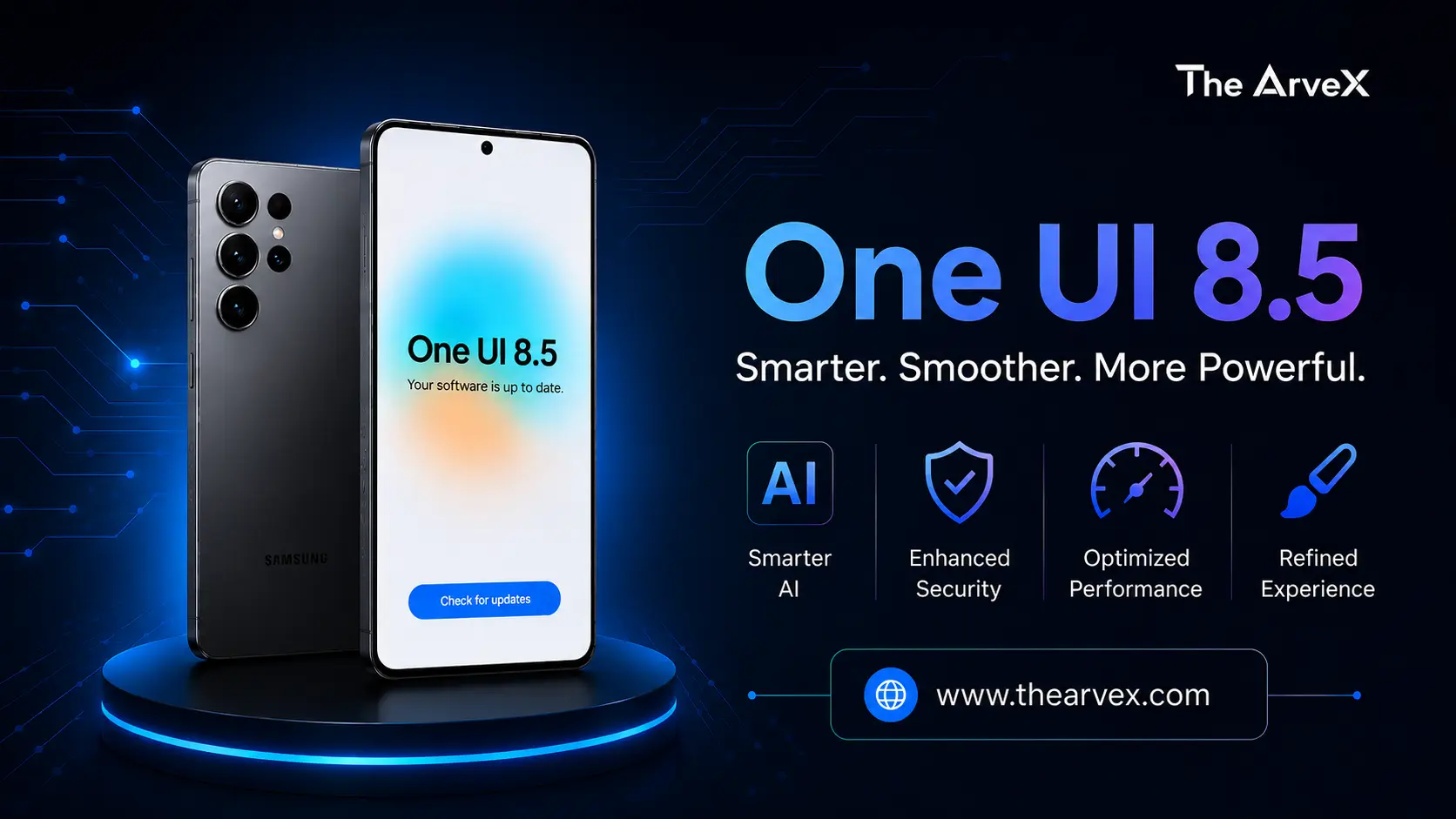
One UI 8.5 is Samsung's mid-cycle software refresh sitting between One UI 8.0 and the upcoming One UI 9. It's not just a visual touch-up. Samsung is using this update as a major feature delivery vehicle, pushing Galaxy AI tools that debuted on the Galaxy S26 in March 2026 down to the S25, S24, and even select A-series devices. The beta cycle ran for four months through 10 test builds, making it the longest One UI beta cycle Samsung has ever run.
One UI 8.5 Global Rollout Timeline
Phase 1: South Korea (May 6, 2026)
Samsung kicked off the stable rollout on May 6 in its home market. The Galaxy S25 series, including the S25 Edge, received the update first.
Phase 2: Global Expansion (May 11, 2026)
The worldwide rollout officially begins May 11, covering North America (USA & Canada), Europe, India, Latin America, Southeast Asia, Hong Kong & Taiwan. Samsung is taking a phased approach, meaning your specific device may still take a few days to receive the notification even after May 11. Carrier-locked phones typically lag a few days behind unlocked models.ph here
Full List of Eligible Galaxy Devices for One UI 8.5
Wave 1 Flagship Devices (Getting It First)
These are confirmed for the initial global rollout:
Galaxy S25 series (S25, S25+, S25 Ultra, S25 Edge)
Galaxy S25 FE
Galaxy S24 series (S24, S24+, S24 Ultra)
Galaxy S24 FE
Galaxy Z Fold 7 & Galaxy Z Flip 7,
Galaxy Z Fold 6 & Galaxy Z Flip 6,
Galaxy Z Tri-Fold
Galaxy Tab S11 series
Galaxy Tab S10 series.
Wave 2 Mid-Range & Older Devices (June 2026)
Samsung has confirmed that the last three generations of Galaxy A-series phones will receive One UI 8.5, including the following:
Galaxy A56, A55, A54
Galaxy A36, A35, A34
Galaxy A37, A57
Galaxy M and F series equivalents
Important Note on A-Series Features
Mid-range devices will receive a scaled-down AI set under Samsung's "Awesome Intelligence" label, not the full Galaxy AI suite available to flagships.
5 Biggest New Features in One UI 8.5
1. Galaxy AI Call Screening
This is the standout feature. When an unknown number calls, Bixby answers on your behalf, asks the caller who they are and why they're calling, and displays a live transcript on screen. You decide whether to pick up or review a summary afterward. You can even set it to handle all unknown callers automatically.
2. Quick Share Now Supports AirDrop
For the first time, Samsung's Quick Share works natively with iPhones, iPads, and Macs via AirDrop. No cables, no third-party apps, just a "Share with Apple devices" toggle in your Quick Share settings. This works on the Galaxy S22 series and newer, as well as the Galaxy A36.
3. Text to Edit Photo Assist
Photo editing just got dramatically easier. Instead of tapping menus, you type what you want: "remove the person in the background" or "make the sky sunset orange," and Galaxy AI handles it. Object Transfer lets you pull people or objects from one photo and place them naturally into another.
4. Audio Eraser Goes System Wide
Previously limited to pre-recorded videos in the Gallery app, Audio Eraser now works in real time across third-party apps YouTube, Instagram, TikTok, and Netflix. A voice focus toggle and strength slider now live right in the Quick Panel.
5. Smarter Bixby & Now Nudge
Bixby now understands natural language commands without requiring exact feature names and can handle multi-step tasks across apps (e.g., find a photo and email it to a contact). Now Nudge, a new AI layer inside the Samsung Keyboard, surfaces smart suggestions for scheduling a dinner from a chat or saving a phone number mid-conversation without ever switching apps.
Note: Now Nudge only works if you use the Samsung Keyboard, not the G board.
Visual & UI Upgrades in One UI 8.5
One UI 8.5 delivers a refreshed design identity built around the following:
Transparent blur effects
It adds depth to system UI elements
Dynamic lock screen layouts
It automatically adjusts based on your wallpaper
AI Weather Effects
live animations (rain, snow) tied to your local forecast.
Fully customizable Quick Panel
It adds, removes, or reorders any toggle
DeX improvements
Window sizes and positions are now remembered between sessions
Partial screen recording
It captures only a selected area of your screen
How to Manually Check for the One UI 8.5 Update
If you haven’t received the OTA update notification yet, you can check manually by following these steps:
Step 1: Open Settings on your Samsung device.
Step 2: Scroll down and tap Software update.
Step 3: Select Download and install.
Step 4: Tap Check for updates to force the device to search for the latest firmware.
Before downloading:
If upgrading from One UI 8.0, the update size may be around 4–4.5 GB, so connect to a stable Wi-Fi network.
If you’re on the One UI 8.5 beta, the update should be smaller, usually 480–580 MB, as it’s an incremental package.
Ensure your battery has sufficient charge before starting the installation.
If the update still doesn’t appear:
Samsung rolls out firmware in phases based on region, carrier, and device model. You can verify the rollout schedule in the Samsung Members app under the Notices section.
Which Devices Won't Get One UI 8.5?
Based on Samsung's update policy, the following are outside the eligibility window:
Galaxy S21 series (non-FE)
Galaxy Note 20 series
Galaxy A, M, and F devices released before 2023
These devices did not receive One UI 8.0, and Samsung has not included them in the One UI 8.5 program.
The Verdict
One UI 8.5 isn't a cosmetic refresh; it's a genuine feature upgrade that brings Samsung's most powerful AI tools to tens of millions of Galaxy devices. Whether it's screening your spam calls, sharing files with your iPhone-using friends, or editing photos with a text prompt, this update changes how you use your Galaxy phone every single day.
If you own a Galaxy S24 or newer, keep your eyes on that update notification. It's coming.
Sources: Samsung Newsroom, SammyGuru, AndroidHeadlines, BGR, TechRadar, SamMobile